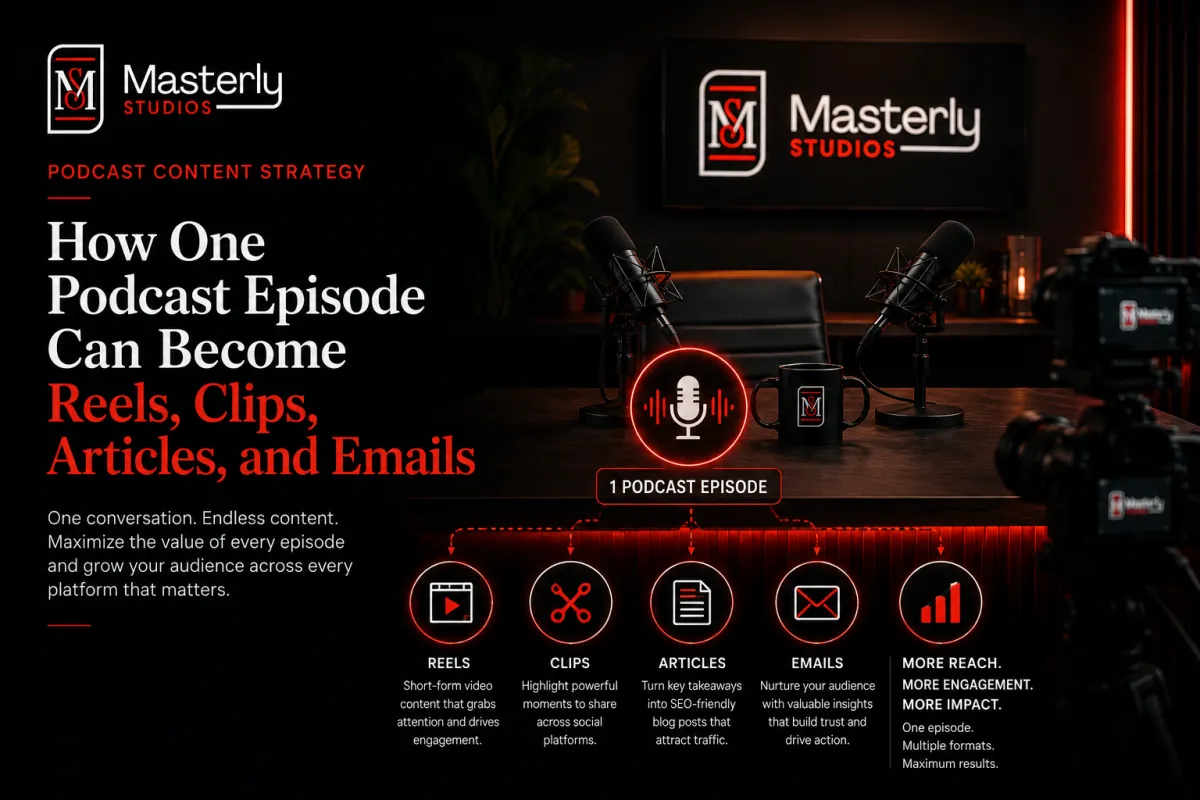
How One Podcast Episode Can Become Reels, Clips, Articles, and Emails
How One Podcast Episode Can Become Reels, Clips, Articles, and Emails
Introduction: From One Episode to a Month of Marketing
Most podcasters hit publish on a full episode, share it saving 60–80% of creation time compared to manual scrubbing.once on social media, and move on to planning the next one. That pattern leaves enormous value on the table. Podcast content repurposing transforms a single episode into multiple formats, and in 2026, that approach has gone from niche tactic to standard operating procedure.
Here's the math that matters: editing and promotion can consume 10–20 hours per episode. But when you build a system to repurpose podcast content, one podcast episode can generate 10–20 pieces of content, including instagram reels, youtube shorts, blog posts, email sequences, linkedin posts, and quote graphics. Repurposing maximizes efficiency and saves time and money across every one of those outputs.
This works across every major channel. Whether your audience finds you on Apple Podcasts, Spotify, YouTube, Instagram, or LinkedIn, repurposed assets meet potential listeners wherever they already spend time. For B2B brands and creators dealing with rising content costs and noisy feeds, squeezing more ROI from every original recording is no longer optional.
In this guide, you'll learn exactly how to turn one episode into reels, clips, articles, and emails, plus what ai tools and processes actually work. And if you'd rather have someone handle the execution, you can ask about content repurposing packages for done-for-you implementation at any point.
Why Repurposing Your Podcast Is a Content Strategy, Not a Side Task
Podcast repurposing is not a "nice to have" tacked onto your workflow. It is a deliberate content strategy that turns one episode into a content calendar spanning blog posts, email marketing, social media content, and video content across different platforms.
Consider this: a 45-minute interview with a CMO recorded in June 2026 can fuel your entire month. That single episode becomes 5–8 short clips, 2–3 topical blog posts, a full recap article, a 3-email newsletter sequence, and a handful of social posts with pull quotes and graphics. Studies show repurposed content can deliver up to 300% more reach across platforms, and it can improve SEO and increase visibility with every asset you create.
Social media platforms are key distribution channels for repurposed content. Different content formats help reach varied audiences on their preferred platforms, meaning the same podcast audio can connect with a reader on Google, a scroller on Instagram, and a professional on LinkedIn. Repurposing helps reach audiences who prefer different content formats without creating content from scratch each time.
The difference between "publishing and praying" and building a repeatable system is enormous. The sections below show exact flows for reels, clips, articles, and emails, plus common mistakes to avoid.
Start Before You Hit Record: Designing an Episode for Repurposing
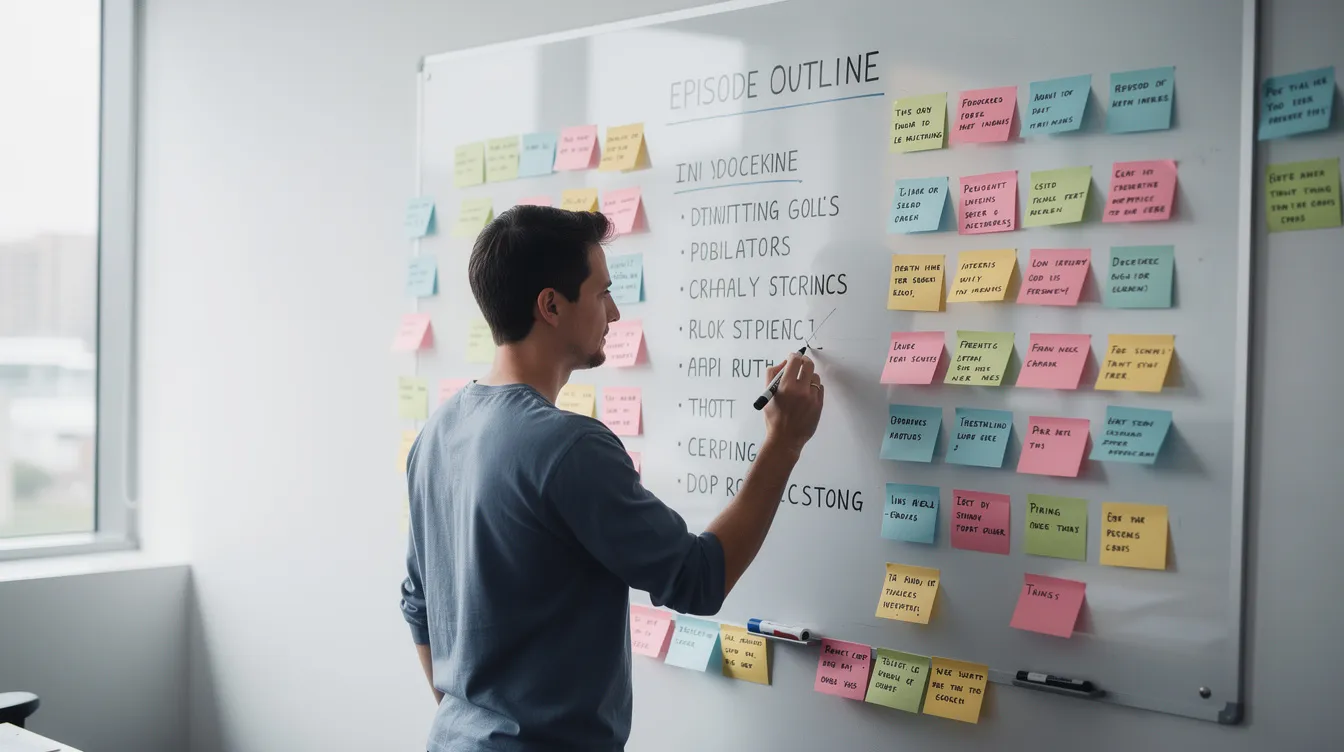
Efficient content repurposing begins in the planning and recording stage, not after editing. A podcast content repurposing strategy should start before recording, because the structure of your conversation directly determines how many usable assets you can extract later.
Outline 3–5 clear segments per episode. Think of them as content pillars:
Biggest mistake the guest made or sees in their industry
Step-by-step process for solving a specific problem
Case study with real numbers
Key takeaways the audience can act on immediately
Bold claim or contrarian opinion
Each segment maps neatly to a clip topic, a blog H2, or an email angle. Extracting key moments from podcasts leads to more content opportunities when those moments are designed intentionally.
Record video as well as podcast audio wherever possible. Even if you primarily ship audio to Apple Podcasts and Google Podcasts, having full video gives you the raw material for short form video clips, instagram reels, and youtube shorts. Remote recording tools like Riverside now include built-in clip extraction features.
Prepare 5–7 specific questions designed to produce standalone quotes, contrarian opinions, and short stories ideal for podcast clips. Even audio-only shows should plan for show notes, a blog recap, and email angles while scripting the episode intro and outro. Consistent branding across channels reinforces your expertise as a creator, so plan your visual and written style before you start.
This approach helps avoid overwhelming backlogs of content tasks after recording, because every asset is mapped before you hit record.
From One Full Episode to a Library of Short Clips
Short form video clips are often the highest-visibility assets in podcast marketing. Not everyone will listen to a 45-minute episode, but millions of people consume short video daily on TikTok, Instagram, and YouTube.
The ideal short clip is 20–90 seconds long, built around one idea, with a strong hook in the first 2–3 seconds and a natural end that can stand alone. Short-form video clips should hook viewers in the first two seconds, and each clip should be self-contained and answer a specific question or deliver one clear takeaway.
Hunt for these clip types in every episode:
Common mistakes - "The #1 thing people get wrong about…"
Myths vs. reality - debunking a widely held belief
Quick tips - a single actionable step in under 60 seconds
Hot takes - a bold claim your guest or host is willing to defend
Mini case studies - a short story with a result
From one podcast episode, you can typically pull 10–20 usable short clips depending on episode density. AI clipping tools like OpusClip use highlight detection and emotional peak scoring to surface the best moments, saving 60–80% of creation time compared to manual scrubbing. Short video clips from podcast episodes can be used for platforms like TikTok and Instagram, plus YouTube Shorts and LinkedIn native video with platform-specific captions.
Repurposed content increases visibility across multiple platforms, and these clips become the discovery engine that drives podcast listeners back to the full episode.
Turning Podcast Moments Into Instagram Reels and Vertical Video
Instagram Reels and other vertical feeds are discovery engines. They surface your podcast episode create opportunities in front of people who have never heard your show, making them critical for reaching potential listeners.
Here is a concrete Reel structure based on one episode:
Hook text overlay (first 2 seconds): a provocative statement or question
Jump-cut to the quote: the guest or host delivering the insight
B-roll or screen overlay: a quick visual that adds context
Caption with CTA: "Full episode - link in bio" or "Listen on Apple Podcasts"
Strong hook examples for B2B or creator podcasts:
"The #1 mistake founders make on Apple Podcasts is…"
"Why most marketing strategies fail after 90 days"
"Here's what top CMOs regret telling their teams"
"This one change doubled our podcast downloads"
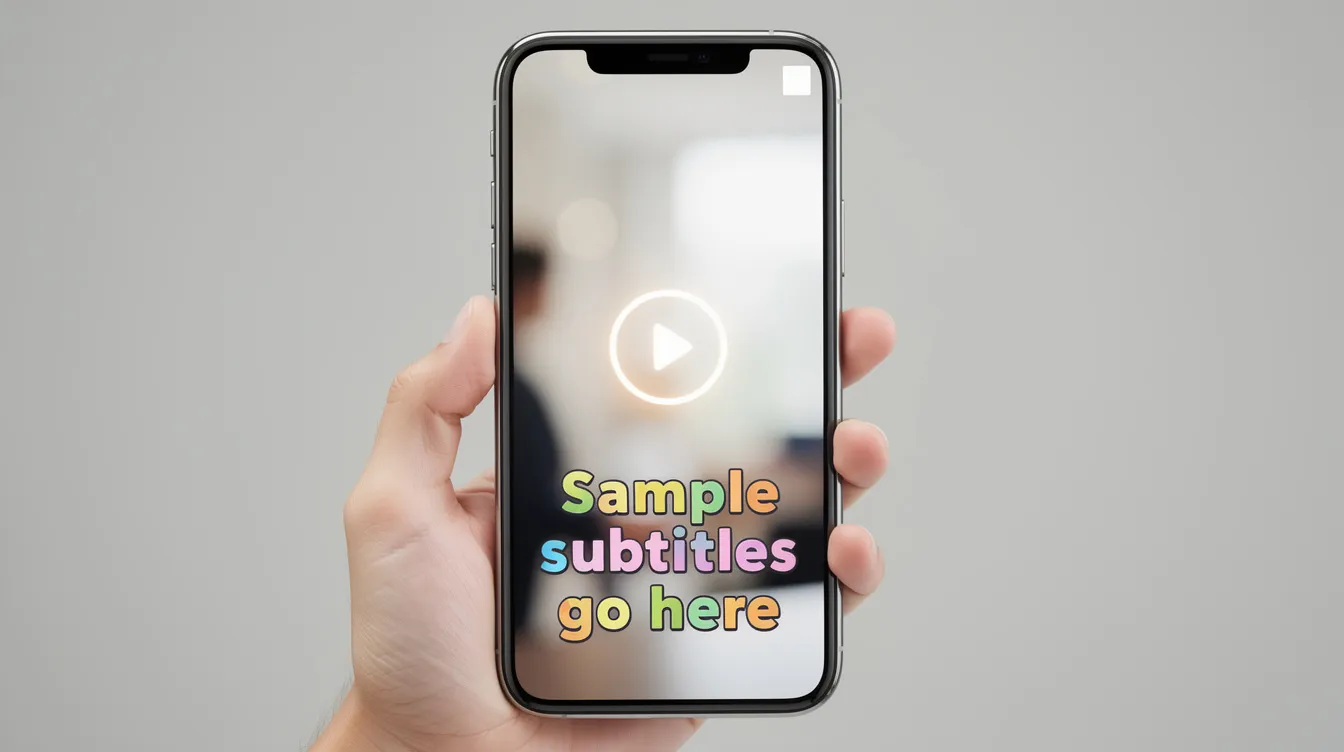
Visual branding matters. Use consistent fonts, colors, subtitle styling, and logo placement so multiple reels from one episode feel like a cohesive series. Audiograms are effective for sharing podcast highlights on social media when you don't have video footage. Social media graphics can enhance engagement by highlighting key quotes from podcasts as quote graphics layered on branded templates.
Schedule 3–5 Reels from one episode spaced over 2–3 weeks, each highlighting a different angle or key takeaway to keep the content fresh.
Podcast Clips for LinkedIn, YouTube, and Other Social Platforms
Not all podcast clips belong in a Reel format. Longer social clips of 60–180 seconds work better on LinkedIn, YouTube regular uploads, and Facebook, where audiences will watch more content from a single creator.
Structure a longer clip around one specific question or objection relevant to your buyers or audience. Include clear titles on screen like "From Episode 17 with [Guest Name]" and end cards pointing viewers to the full episode page or playlist. Native uploads consistently outperform shared links on LinkedIn, so always upload the video content directly.
Distribution tactics for these clips:
LinkedIn: native upload with 2–3 sentence intro and a question to spark comments
YouTube: upload as both a Short and a regular youtube video for different shelf lives
Facebook and Slack communities: share snippets relevant to the group's topic
Outbound sales: embed a relevant clip in a cold email or nurture sequence as sales assets
Repurposing allows reaching audiences on various platforms without creating content from scratch. These clips also work well in event follow-ups and community posts. Repurposing allows teams to focus on building relationships instead of logistics, because the marketing material already exists from the original episode.
From Spoken Word to Written Word: Blog Posts and SEO Assets
Search engines index written content but not audio files. That single fact makes written content from podcasts critical for discoverability and long form content strategy. Repurposing enhances online discoverability by providing text for search engines to index, and blog articles can be created from podcast transcripts to improve SEO.
Two main article formats from one episode:
1. Narrative blog recap (1,500–2,500 words)
Intro with episode context: guest name, date, main theme
3–5 H2 sections summarizing key segments
Bullet points for key takeaways and resources mentioned
Embedded full episode player
CTA to listen on Apple Podcasts or Spotify
Internal links to related blog posts on your site
2. Focused topical blog posts Isolate frameworks, stories, or "how to" sections from the episode and expand them into standalone articles. A single episode might yield 3 topical posts like "How to avoid X mistake," "Why myth Y is wrong," and "The 3-step framework for Z."
Repurposing boosts SEO by creating keyword-rich blog posts. Transcripts add thousands of words of searchable, keyword-rich content to your site. Repurposed blog content can drive compounding traffic for 2+ years, providing seo support and search visibility long after the original episode aired. Embed schema markup where appropriate to further boost the episode page ranking.
Using Transcripts and AI Tools Without Creating Low-Quality Content
AI tools in 2026 make transcribing and reshaping episodes faster than ever, but human editing remains essential for quality. Transcribing podcasts creates a textual basis for various content types, from show notes to full blog posts to email copy.
Two categories of tools handle transcript generation:
Recording platforms with built-in transcripts: Descript, Riverside
Standalone AI transcription services: Castmagic, dedicated clipping and transcription tools
Use transcripts to quickly locate strong quotes, segments about common mistakes, step lists, and transcript highlights that can seed articles and email copy. One podcast episode can generate 10–20 pieces of content from these transcript-derived assets alone.
Do not copy-paste raw transcripts as blog posts. Unedited transcripts lack structure, headings, readability, and search intent alignment. They read like conversations, not articles.
A practical workflow:
AI drafts show notes, summaries, and outline-level blog posts
A human writer polishes voice, adds examples, adjusts calls to action
Final review for accuracy, brand voice, and formatting
This approach gives you the speed of automation without sacrificing the quality that builds trust with your audience.
Turning Episodes Into Email Newsletters and Campaigns
Email remains the highest-converting distribution channel for repurposed content. Email repurposing delivers roughly $42 for every $1 spent, making it one of the best returns in all of content creation. Building an email sequence can extend the audience engagement beyond the episode launch, and email marketing helps build deeper relationships with podcast audiences.
Here's a 4-email structure based on one episode, using a hypothetical show titled "How we scaled a podcast from 0 to 10,000 downloads in six months":
Angle
Subject Line Example
Teaser
Announce the episode, build curiosity
"The #1 thing we wish we did earlier"
Deep-dive
Share the core story or framework
"How we went from 0 to 10K downloads (the ugly truth)"
Checklist
Summarize actionable steps
"5 actions we took - steal this checklist"
CTA
Drive a specific action (subscribe, buy, attend)
"Want us to do this for your show?"
Email newsletters can summarize podcast episode key takeaways, and email campaigns can promote new podcast episodes and provide value beyond what the audio covers. Repurposed podcast content can create 10 or more email topics from a single conversation. Emails can include behind-the-scenes insights not covered in episodes, giving subscribers a reason to stay on the list.
Reuse the same episode content for both newsletter-style broadcasts and automated welcome or nurture sequences. Include links to reels and clips inside emails to drive video views and reinforce message repetition across social media channels.
Common Mistakes in Podcast Content Repurposing (and How to Avoid Them)
Even with a solid plan, these pitfalls waste time and shrink results:
Only publishing the audio. If you skip video content, short clips, and written content, you miss every distribution channel except podcast apps. Not everyone consumes audio.
Dumping raw transcripts as blog posts. Unedited transcripts lack headings, structure, and readability. They harm your brand more than they help.
Repurposing without a content strategy. Creating content without mapping it to buyer journeys, social media platforms, or goals is just busywork.
Skipping distribution. Creating 20 assets means nothing if you don't schedule and publish them across different formats and distribution channels.
Measuring only downloads. Measuring platform-specific metrics helps optimize repurposed content strategies. Track leads, email subscribers, and conversations, not just listens.
Over-relying on ai tools without human review. This leads to generic or inaccurate blog posts, social posts, and emails that miss your brand voice.
Not tailoring content per platform. Posting horizontal clips as unedited Reels, or long paragraphs as linkedin posts, signals laziness to your audience.
Podcast repurposing services save 10 or more hours per episode when the system works correctly. Audit one recent episode for these issues and fix them before recording the next one.
Building a Repeatable System: From One Episode to a Week of Assets
The goal is turning content repurposing from heroic one-offs into a predictable workflow. Here's a sample production calendar for a single episode:
Day
Task
Output
Day 0
Record episode
Original recording + video
Day 1
Publish full episode to best podcasts directories
Full episode live
Day 2
Write and publish blog recap
1 blog post with embedded player
Day 3–4
Extract and edit short clips, Reels, Shorts
5–8 short form video clips
Day 5
Send email newsletter
Teaser + key takeaways email
Day 6–7
Post longer social clips, quote graphics, social posts
Multiple touchpoints across platforms
Week 2–3
Drip remaining clips, topical blogs, CTA emails
Sustained visibility from one episode
Role definitions for small teams: host creates podcast content, editor handles audio and video cleanup, writer produces blogs and email drafts, and a social media manager schedules posts with clear titles and platform-appropriate formatting. Solo creators can use templates and checklists to cover these roles.
Track everything in a simple board using Notion, Airtable, or Trello. Map each episode to its clips, blog posts, emails, and social posts with status columns: planned, in-draft, created, published.
One well-planned podcast episode can create 10–20 pieces of content, saving time that would otherwise go to creating content from scratch. That's how one episode reliably becomes reels, clips, articles, and emails every single time, and it's also how repurposing can save 10 or more hours per episode compared to producing each asset independently.
When to Get Help: Content Repurposing Packages and Done-for-You Support
Many podcasters and marketing leaders don't have the bandwidth to execute this system alone. Creating more content sounds great until you're the one clipping, writing, designing, and scheduling every week.
A professional content repurposing package can include:
Episode planning and segment structure
Clip selection and reel editing with branded visuals
Blog post drafting (recaps and topical posts)
Email copywriting and sequence building
Scheduling and distribution across social media channels
Outsourcing post-production and repurposing lets hosts focus on creating content and relationship-building instead of juggling tools and timelines. This makes particular sense if you run a weekly B2B show, host an expert-led personal brand podcast, or manage a growing media brand with multiple hosts.
If you want one episode to reliably turn into a full set of podcast marketing assets without adding hours to your week, ask about content repurposing packages and let a team handle the execution while you focus on what you do best: hosting conversations worth repurposing.
