Why YouTube Should Be Part of Your Podcast Strategy
Video Podcast Production: Why YouTube Should Be Part of Your Podcast Strategy
If you produce a podcast and you are not publishing video on YouTube, you are leaving your largest potential audience on the table. This guide covers why YouTube podcast production matters, what formats work, and how to build a production process that turns every recording into a full video podcast episode, audio feed, and library of short clips for social media platforms.
Why YouTube Belongs in Your Podcast Strategy (Answer This First)
YouTube is the number one platform for podcast listening. That is not a prediction-it is the current reality. As of 2025, over 30–37% of weekly podcast listeners in the U.S. say YouTube is their preferred platform for podcasts, ahead of both Spotify and Apple Podcasts. YouTube reports 2.7 billion logged-in monthly users worldwide, giving every video podcast episode access to a wider audience than any audio-only RSS feed can match.
The shift is also happening on the content side. 33% of weekly podcast listeners prefer video podcasts as of April 2024. Video podcasts on Spotify grew 70% year-over-year in 2024, climbing from roughly 100,000 to 250,000 video-enabled shows. Audiences are voting with their attention, and that attention is moving toward video.
A video-first podcast on YouTube combines audio and video on the same platform, feeding YouTube search, the recommendation engine, and the Shorts algorithm to surface your episodes to new listeners who would never find you through an audio feed alone.
To be clear, YouTube podcast production is not just uploading an MP3 with a static image. It means designing episodes that work as watchable shows-with visual elements, camera angles, and pacing-while also producing podcast clips that drive discovery. YouTube is the backbone of a modern video podcast production strategy, not an afterthought.
Key stats to know:
31–37% of U.S. weekly podcast listeners prefer YouTube for podcasts.
YouTube has 2.7+ billion logged-in monthly users.
82% of weekly podcast consumers now watch video at least part of the time.
YouTube Shorts surpassed 200 billion daily views by mid-2025.
What Is a Video Podcast in 2025? (And How YouTube Defines It)
A video podcast is a podcast recorded with cameras so each episode delivers both professional audio and video. The finished product is designed for video platforms like YouTube as well as audio-only distribution via RSS to Spotify, Apple Podcasts, and other apps. Producing a video podcast involves planning, recording, editing, and distribution-more steps than audio alone, and video podcasts require more technical resources than audio podcasts.
YouTube officially rolled out its "Podcasts" feature in YouTube Studio during 2023–2024. Creators can now mark playlists as podcasts, which makes episodes eligible for podcast badges, YouTube Music indexing, and discovery through youtube.com/podcasts. You need actual video content-MP3s with cover art alone do not qualify.
Common video podcast formats you will see on YouTube today:
In-studio interview or co-host shows: Two or more people, multiple cameras, conversational energy. Ideal for 30–60 minute podcast episodes.
Remote talking heads: Hosts and guests in different locations, recorded via tools like Riverside.fm or SquadCast, using split-screen layouts and branded frames.
Screen-share and tutorial formats: Educational or B2B shows where the podcast host walks through demos, data, or slides with B-roll overlays.
B-roll–heavy narrative shows: B-roll podcasts combine interviews with relevant additional footage, location shots, or graphics to illustrate the story.
Static or pseudo video podcasts: Static video podcasts use a single image with audio. These are entry-level and severely underuse YouTube's visual potential.
Animated podcasts: Animated podcasts use illustrations to enhance storytelling, though they require specialized production.
The same recording session can produce a full episode for YouTube, an audio-only RSS version, and multiple short clips for social promotion.
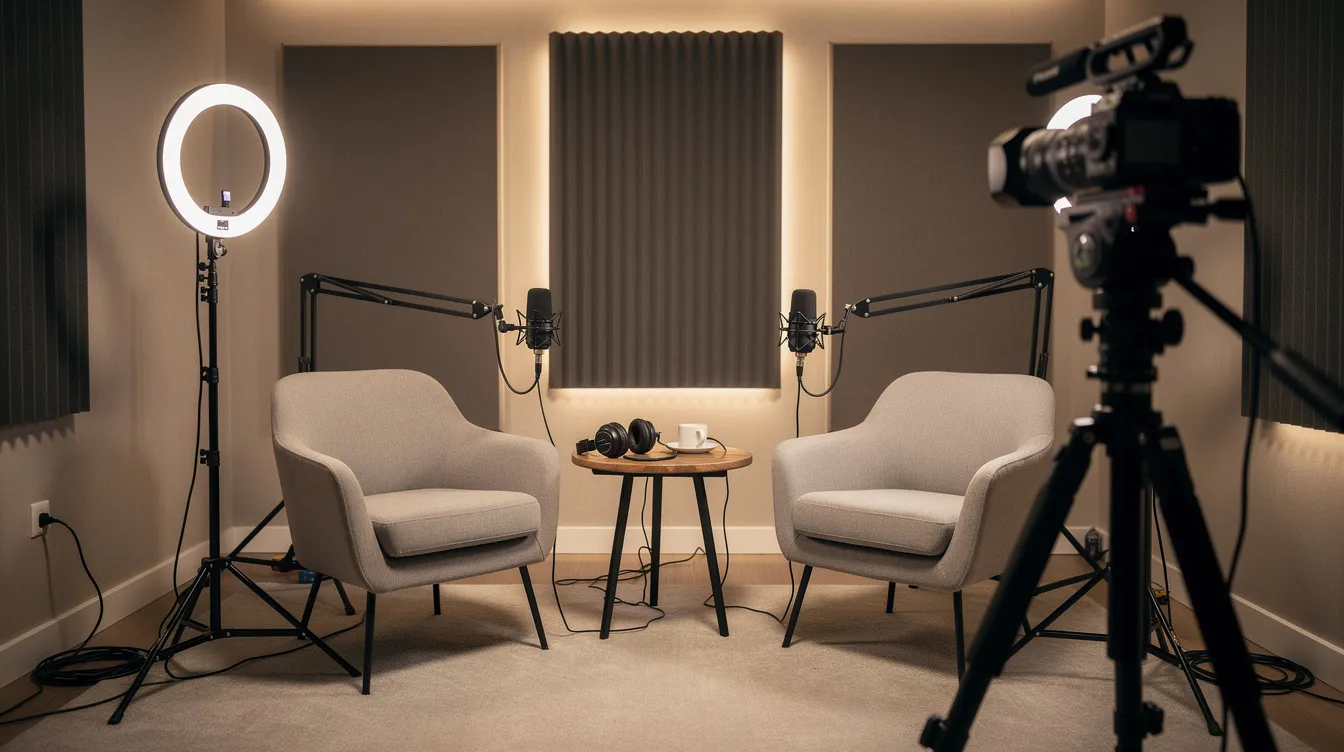
Why YouTube Podcast Production Beats Audio-Only for Growth
Traditional audio podcasts rely heavily on RSS feeds and directory search. A listener has to already know your show exists, subscribe, and choose to hit play. That is a narrow funnel. Video podcasting on YouTube opens an entirely different discovery layer: the world's second largest search engine, algorithmic recommendations, and a Shorts feed that receives about 70 billion daily views.
Video podcasts can increase audience engagement due to visual elements-faces, reactions, screen demos, and body language all build trust faster than voice alone. Dual-format consumers (those who watch video and listen to audio) are significantly more likely to increase their podcast consumption, engage with host-read ads, and take post-ad actions like purchasing or searching a brand. Short video clips are shared 12 times more than text and images combined, which makes every podcast clip a potential viral entry point.
There is, of course, a trade-off. Audio podcasts allow multitasking during listening, unlike video podcasts, and data shows that even on YouTube, roughly 59% of podcast time is spent with video minimized. That is why strong production quality in both audio and video matters-you need to serve the viewer who watches and the listener who plays your episode in the background.
The algorithmic advantage is hard to overstate. YouTube's recommendation engine, end screens, and suggested videos help older podcast episodes keep surfacing months or years after release. Meanwhile, video podcast content can be sliced into short clips for YouTube Shorts, Instagram Reels, TikTok, and LinkedIn, creating a discovery funnel that feeds viewers back into full episode views around the clock.
Core Video Podcast Formats That Work Well on YouTube
Not every show looks the same on YouTube. Here are five formats that consistently perform, along with why each works.
In-studio co-host or interview shows. In-studio podcasts capture multiple angles for dynamic viewing. With a wide shot plus individual host and guest cameras, editors can cut between reactions and speakers to sustain visual interest across 30–60 minute episodes. This format rewards conversational energy and personality.
Remote talking heads. Remote interviews allow hosts to connect with guests anywhere. Tools like Riverside.fm record local high-quality files rather than compressed zoom call streams. The layout is typically split-screen with branded frames, allowing hosts to maintain a consistent personal brand even when guests are in different locations.
B-roll–driven narrative shows. These combine interview audio with location footage, product demos, or on-screen text. This video format is especially effective for educational, tech, and business development content where showing is more persuasive than telling.
Screen-share tutorials. Ideal for a podcast host who teaches processes or reviews tools. Screen capture plus a small camera feed keeps the content visually rich without needing a full studio setup.
Static-image pseudo video podcasts. Uploading audio with a static image satisfies the bare minimum for YouTube presence but generates minimal watch time and almost no algorithmic push. Consider this an entry-level placeholder, not a strategy.
Real results: One business podcast optimized its YouTube strategy-improving thumbnails, pacing, and structure-and saw average video views rise from roughly 760 to over 6,670 per episode in 60 days, a 774% increase. Subscriber growth spiked over 1,200% in eight months.
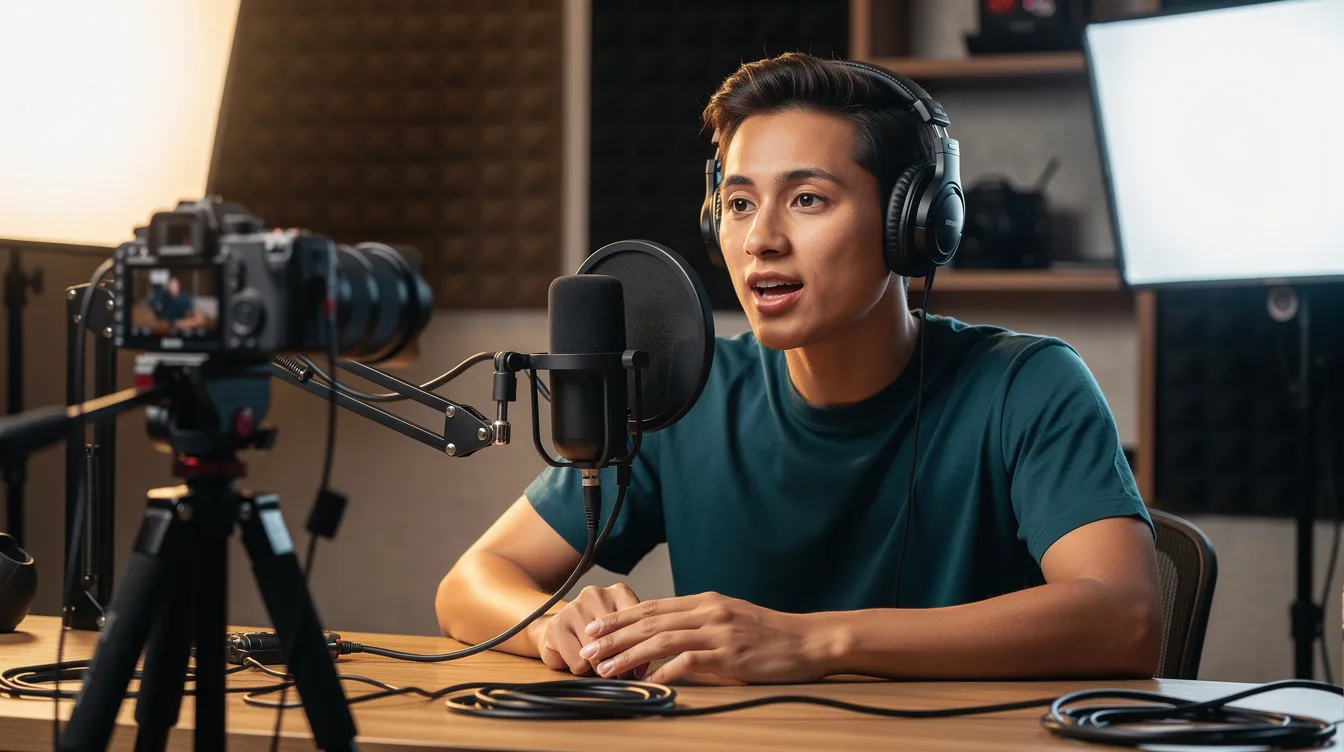
Pre-Production: Designing a Show Built for YouTube
Key steps in producing a video podcast include planning and strategy before you ever hit record. Pre-production decisions shape everything downstream-from how watchable your episodes are to how efficiently your production team can edit and distribute them.
Planning tasks to complete before recording:
Define your target viewer. Who are they, what problem do you solve, and why would they watch on YouTube vs. listen elsewhere?
Create YouTube-optimized titles. Episode titles should read like compelling YouTube videos: include a hook, relevant keywords, and a year where appropriate ("2026 Guide to…").
Design clickable thumbnails. High-contrast images with faces and readable text. Plan thumbnail concepts alongside episode topics.
Establish a visual identity with lighting and background elements. Consistent set design, color palette, and branding make your show recognizable.
Plan a compelling hook in the first 30–60 seconds. A compelling hook in the first 30–60 seconds is crucial for video podcasts-it directly impacts YouTube retention metrics.
Build a content calendar. Weekly or bi-weekly cadence, with release dates set at least one month ahead.
Allocate time for post production and clips. Budget editing, caption, thumbnail, and clip extraction time at the planning stage. Treating these as an afterthought leads to rushed, low-quality output.
Plan recurring visual segments. Signature graphics, on-screen notes, or co-host segments give editors templates to reuse and give viewers structure to anticipate.
Production: Capturing Professional Audio and Video (In Studio or Remote)
Production covers everything from choosing the best equipment to directing your co-host and guests during podcast recording. Whether you are working in studio or recording from different locations, the goal is the same: capture clean audio and video that your production team can shape into a professional video podcast.
Clear audio is prioritized over visual quality in video podcasting. No amount of color grading fixes a professional sounding podcast that actually has distracting background noise or unbalanced audio levels. Monitoring audio with headphones during recording is essential-it is the only way to catch problems in real time.
Essential video podcast equipment for 2025:
Category
Recommendation
Notes
Camera
Mirrorless/DSLR (1080p minimum, 4K preferred)
A dedicated camera costs $1,500 to $5,000 for quality. Video podcasts require at least 1080p resolution.
Microphone
XLR or USB condenser/dynamic mic
A USB microphone is a solid choice for beginners. An external microphone dramatically improves sound quality over built-in laptop mics.
Lighting
Three-point setup (key, fill, back)
Use a three-point lighting setup to create depth in video production. Proper lighting separates the subject from the background.
Audio interface
USB or Thunderbolt interface
Necessary for XLR mics; handles audio levels and monitoring.
Remote recording tool
Riverside.fm or SquadCast
Record locally to ensure high-quality audio and video instead of relying on compressed streams.
In-studio tips: Use multiple cameras-at minimum a wide shot plus individual angles for host and guest. Multi-camera setups enhance visual engagement in video podcasts and give editors flexibility to cut between speakers and reaction shots.
Remote recording tips: Brief guests on framing (rule of thirds), eye line (look at the lens), and minimizing background noise. Video podcasts require proper lighting and audio for quality production, even in a home office. A well-lit face and a quality audio signal from an external microphone are non-negotiable.
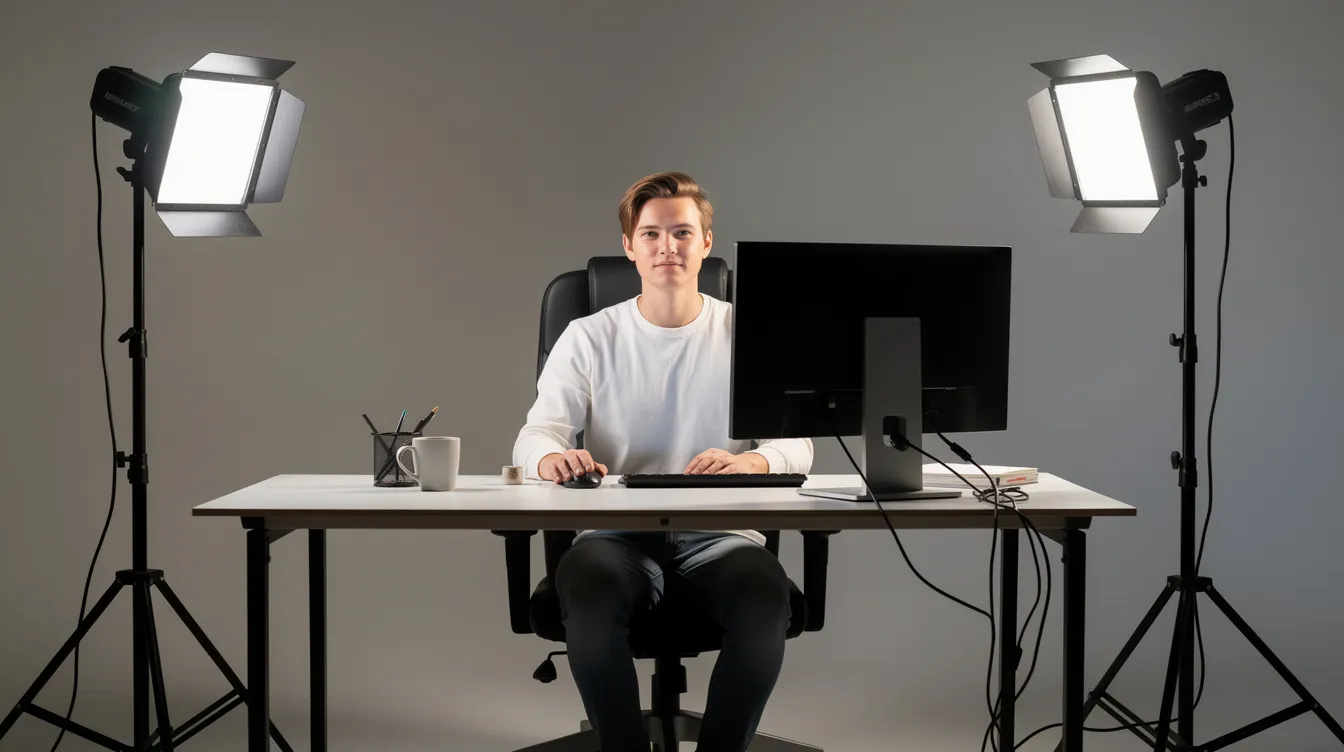
Post Production: Turning Raw Footage into a YouTube-Ready Show
Post-production includes editing, color correction, and audio mastering. This is where raw footage becomes a polished final product designed to hold attention on YouTube and produce a clean audio track for podcast platforms.
Video editing is the most time-intensive step. Quality video editing typically requires 3–5 hours per hour of footage. Editing techniques should include removing long pauses and off-topic tangents, switching between camera angles to show reactions, and inserting b roll to illustrate concepts and maintain pacing.
Core post production tasks:
Video editing: Cut mistakes and dead air. Use multiple angles to maintain visual variety. Pace the edit so the first 30 seconds hook the viewer, then maintain tempo with regular cuts.
Audio mastering: Audio mastering includes noise reduction and level normalization. Equalize voices, apply compression, and normalize loudness to broadcast standards (~-16 LUFS for YouTube). Prioritize quality audio across every episode.
Color correction: Color correction ensures consistent visual tone across episodes. Match cameras so skin tones and backgrounds look uniform regardless of which angle is on screen.
Graphics: Branded intros and outros, lower thirds with names and titles, on-screen bullet points, and CTA slates ("Subscribe," "Visit our site"). All graphics should be legible on mobile.
Clip preparation: Identify 3–5 highlight moments per episode during the edit. Tag timestamps and export clips so your production team or podcast producer can create social assets without re-editing from scratch.
Strong post production makes the difference between a show that looks like a zoom call recording and a professional video podcast that earns subscribers.
Subtitles, Captions, and Podcast Clips for YouTube and Social
A large share of viewers watch with the sound off or on mobile where audio may be muted. Including captions improves accessibility for video podcast viewers and also boosts SEO, since YouTube can index caption text.
Closed captions for full episodes: Export an srt file with 98–99% accuracy, timed properly, and upload via YouTube Studio. Auto-generated captions are a starting point but almost always need human correction.
Burnt-in captions for clips and Shorts: Bold, mobile-readable text in brand colors. These remain visible even when platforms mute audio by default. Keep fonts clean and sized for small screens.
Cutting podcast clips: A 45-minute episode yields 3–5 social clips for promotion. Each clip should be 30–90 seconds, built around a single idea with a strong hook in the first 3 seconds and a soft CTA at the end ("Watch the full episode," "Subscribe"). Repurpose long-form recordings into short clips for social media promotion-this is where a huge share of new audience discovery happens.
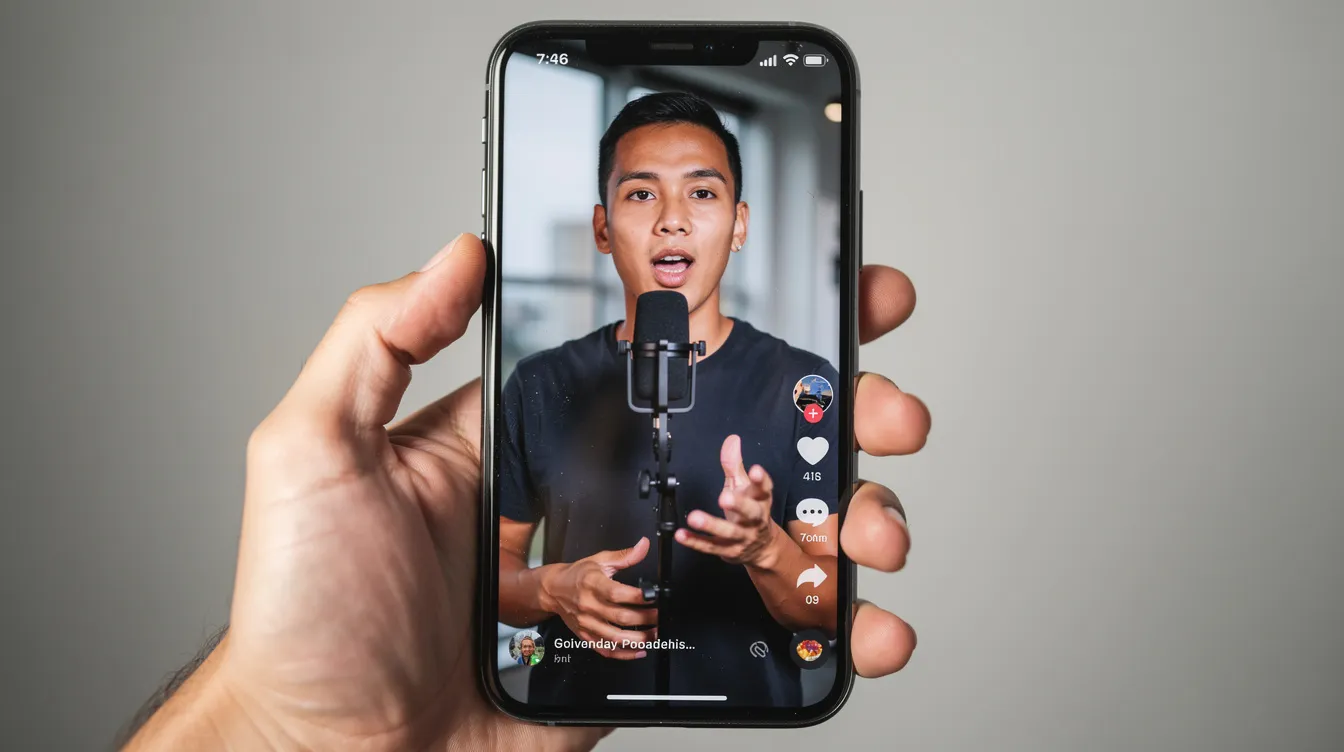
Short clips shared on YouTube Shorts, Instagram Reels, LinkedIn, and TikTok all favor vertical or square formats with captions and quick pacing. One full video podcast episode can generate 3–10 derivative assets across channels, allowing hosts to stay visible between releases.
Distribution: Publishing Your Video Podcast on YouTube (and Beyond)
Distribution turns a finished product into a discoverable asset. Here is a practical rhythm for getting each episode out:
YouTube upload steps:
Add the episode to your playlist marked as a podcast in YouTube Studio.
Write a title with keywords and a hook. Include the year if timely.
Add descriptive show notes, guest bios, links, and relevant tags.
Upload a square podcast cover thumbnail.
Add timestamps and chapters so viewers can jump to topics-this also surfaces segments in YouTube search results.
Cross-distribution: Export an audio-only version for Apple Podcasts and Spotify via RSS. Schedule promotional posts on LinkedIn, X, and email newsletters. Share podcast clips on social media platforms throughout the week.
Measuring performance: Track average view duration, click-through rate on thumbnails, subscriber growth per episode, and clip view counts. These metrics tell you whether your production quality and content are resonating.
Example distribution rhythm: Release every Tuesday at 8 AM ET with a full video episode on YouTube and the audio version on all podcast platforms. Post two to three short clips on Shorts, Reels, and TikTok over the following days. Maintained over 90 days, this cadence builds momentum and trains the algorithm. One MedTech podcast doubled its monthly YouTube audience in 90 days using exactly this approach.
When to Use a Podcast Production Agency vs. DIY
You can technically DIY video podcast production, but consistent high-quality audio and video across weekly episodes often justifies working with a podcast production company or podcast production agency that offers managed podcast production services.
DIY scenarios: Small teams willing to learn video editing, invest 8–15 hours per episode, and manage everything from equipment to thumbnails. This is cost effective for low-volume shows with a flexible timeline.
What a podcast production agency handles: Pre-production planning, recording support, full post production (video editing, audio mastering, color correction), captions, thumbnails, and podcast clips extraction. A dedicated production team solves pain points like inconsistent quality, slow turnaround, and host burnout from juggling creating content and editing it.
Consider your budget, release frequency, and brand standards. If you are producing weekly episodes with multiple cameras, expecting polished video content and a library of clips, the time cost of DIY may exceed what professional podcast production services charge.
Budget, Timelines, and What to Expect Per Episode
Full video podcast production usually adds 30–50% more cost and time compared to producing only an audio version. The added complexity comes from multi-camera sync, b roll selection, video editing, color correction, thumbnail design, and clip extraction.
Typical timelines: A professionally managed video podcast workflow takes 5–10 business days from recording to final delivery, assuming clear feedback. That includes a fully edited video podcast episode, captions, thumbnails, and social assets.
Where budget goes:
Task
Time Driver
Multi-camera sync and edit
Editing a video podcast typically requires 3–5 hours per hour of footage
Audio cleanup and mastering
Noise reduction, EQ, compression, normalization
Color correction
Matching cameras, grading for brand look
Thumbnails and graphics
Design, iteration, A/B concepts
Clip selection and export
3–5 clips per episode, formatted for each platform
Batch recording saves money. Recording 3–4 podcast episodes in a single day spreads fixed costs (studio setup, lighting, gear) across multiple episodes and helps maintain a consistent release cadence. Planning 1–2 months ahead with batch sessions is one of the most cost effective moves a podcast producer can make.
Next Steps: Plan Your Video Podcast and Put YouTube at the Center
The strongest 2025–2026 podcast strategies treat YouTube as a primary home for video podcast production, not a side channel. Every marketing strategy that ignores video platforms is leaving discovery, engagement, and revenue on the table.
Recap the essential steps: define a video-first format, set up reliable podcast recording workflows, invest in post production that produces a professional sounding podcast, and build a clips-driven distribution system across social media platforms. Whether you are building a personal brand, driving business development, or growing a wider audience for an existing show, video podcasting on YouTube is the highest-leverage move available.
You do not need a perfect studio to start. A clean, well-lit space, solid professional audio from a decent external microphone, and a consistent production process are enough to begin testing YouTube episodes and learning what resonates with your audience.
Ready to launch or upgrade your show? Plan your video Podcast - contact Masterly to get started.
